Modifying Facial Layout
This feature stands as one of the rig's core capabilities, enabling rapid yet precise facial customization. Adjust component width/height, position, rotation, and even define custom eyelid closure points for comprehensive character tailoring.
Enabling Facial Layout Editing
As shown below, activate face_layout to display modification frames. Simultaneously enable pannel_to_face to dock the control panel onto the face: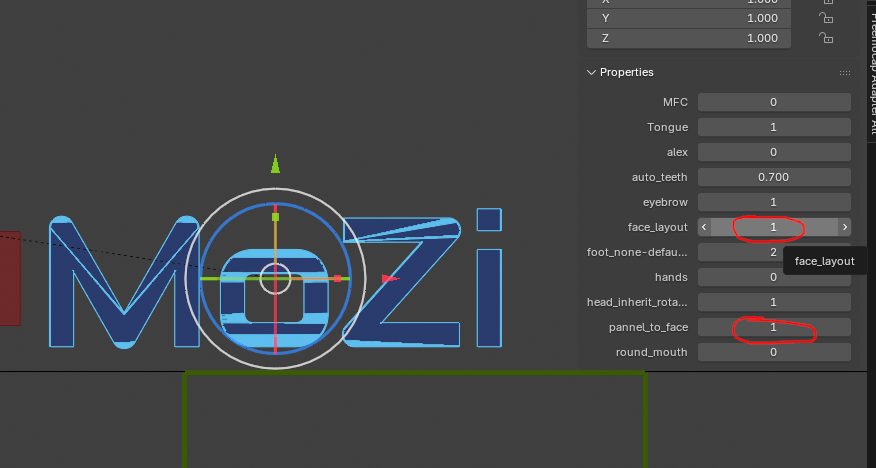
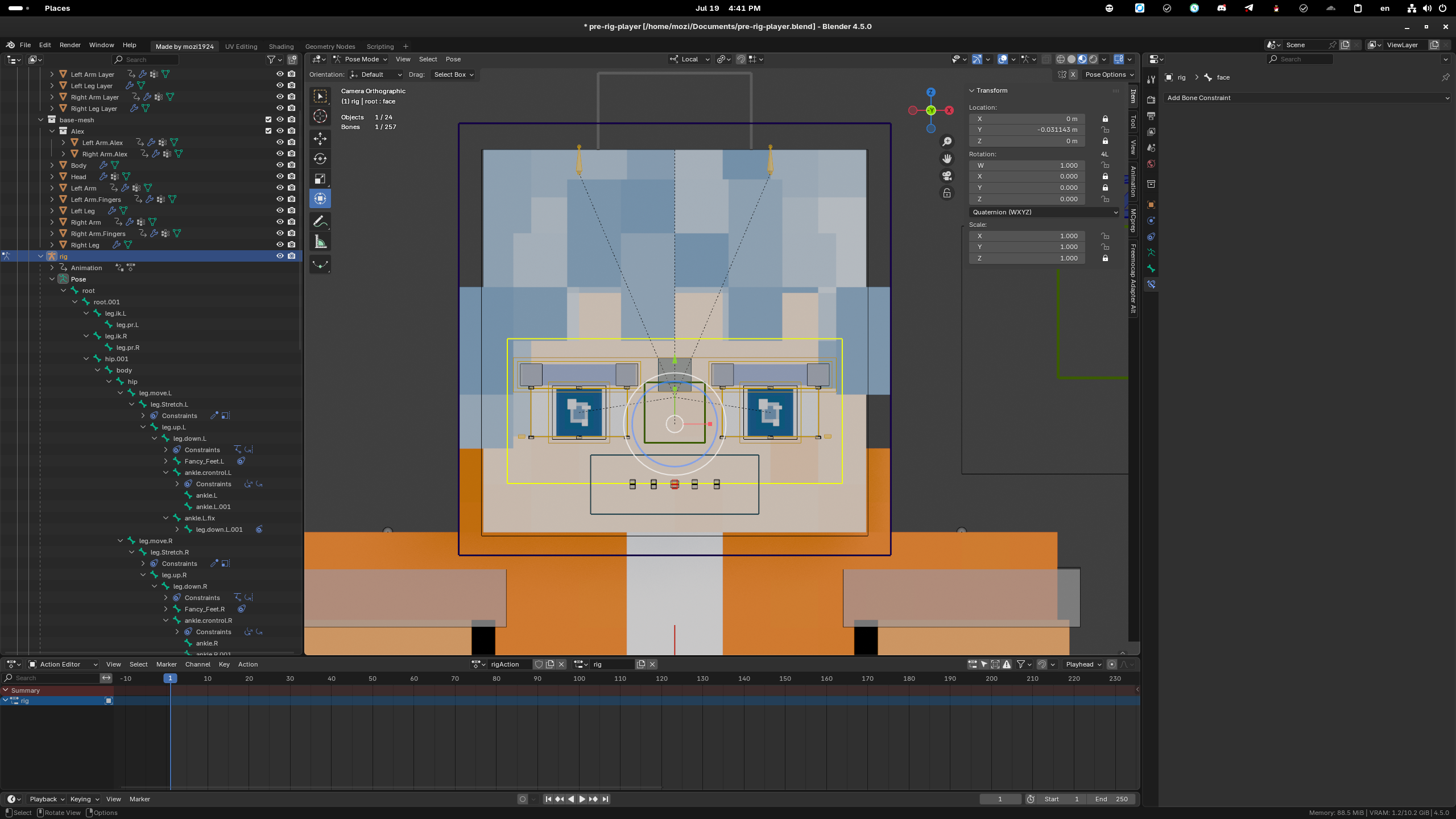
Creating Your First Facial Modification
Strongly recommended: Enable symmetry first to significantly reduce workload: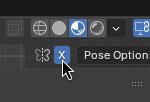
All controllers support scaling, moving, and rotating:
Video demonstrations of typical workflows:
Finalizing Changes
Disable face_layout and save modifications to prevent accidental edits during animation production: