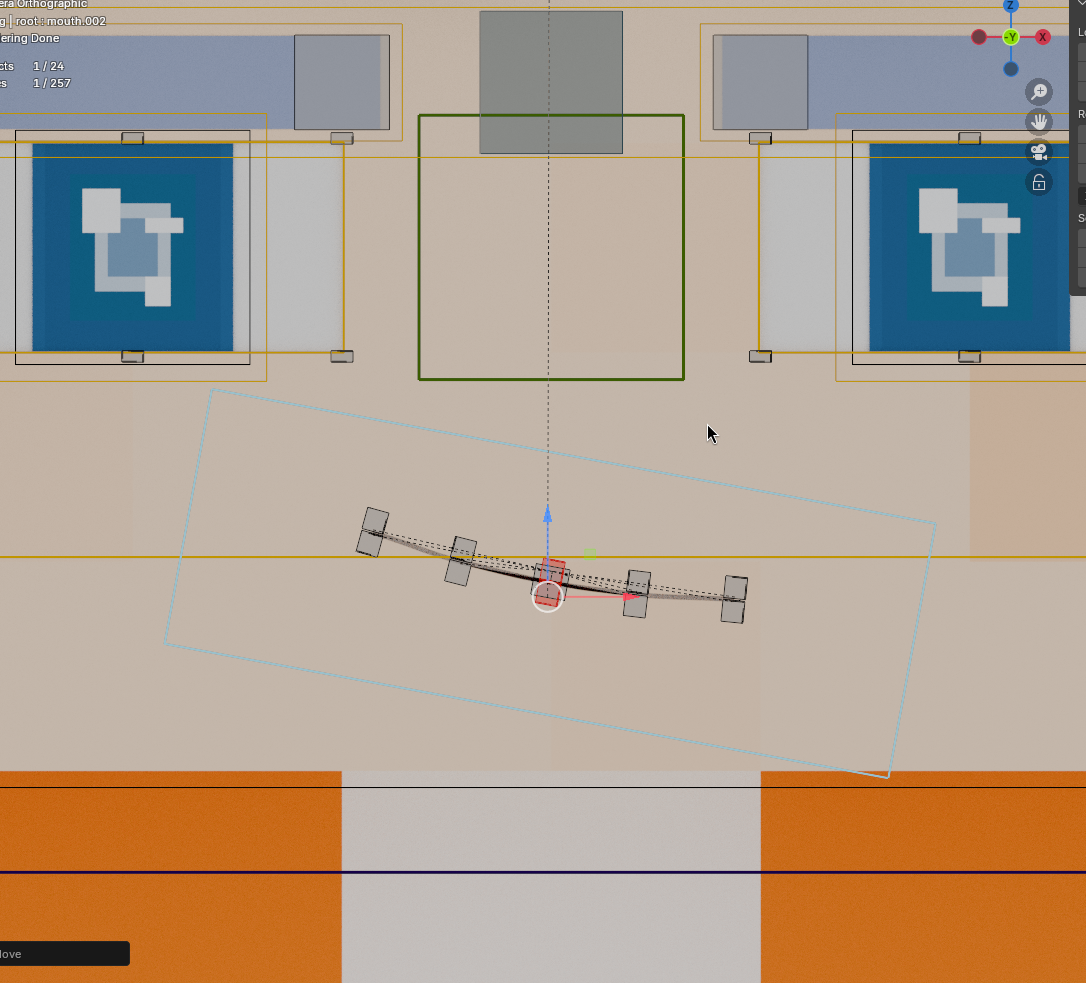
Mouth Controls
The mouth control operates inversely to most contemporary rigs - a historical legacy from my earliest rig design. However, you'll find its logic becomes intuitive with practice.
Main Controller
Move the controller upward to open the mouth, downward to close: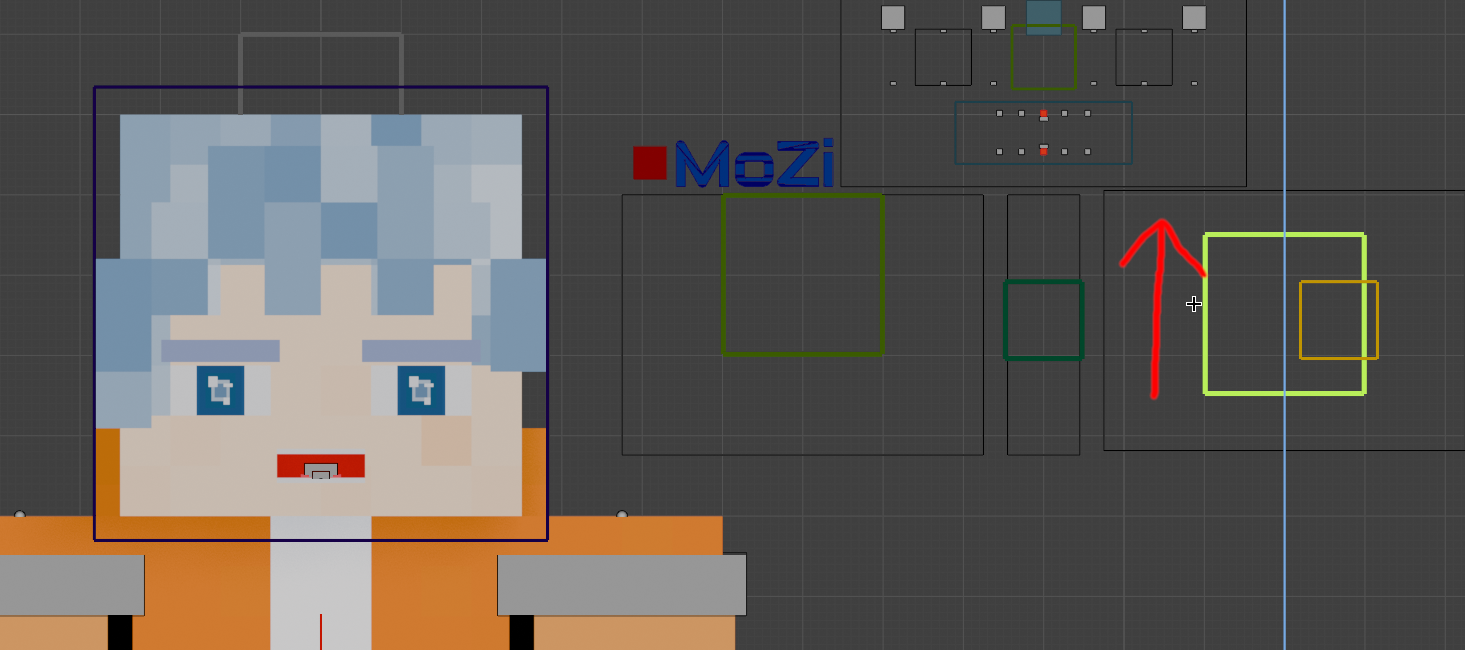
Slide horizontally to adjust mouth width: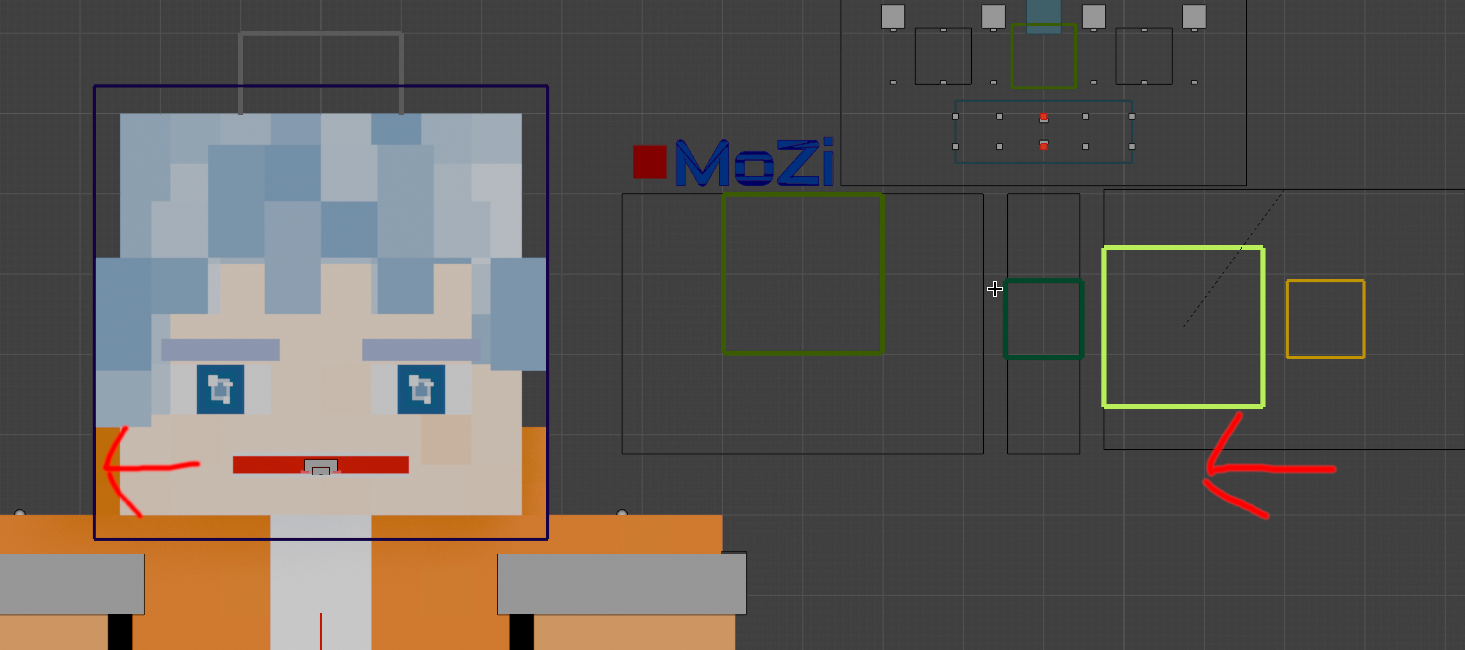
Sub-Controllers
The central yellow controllers manage lip corners: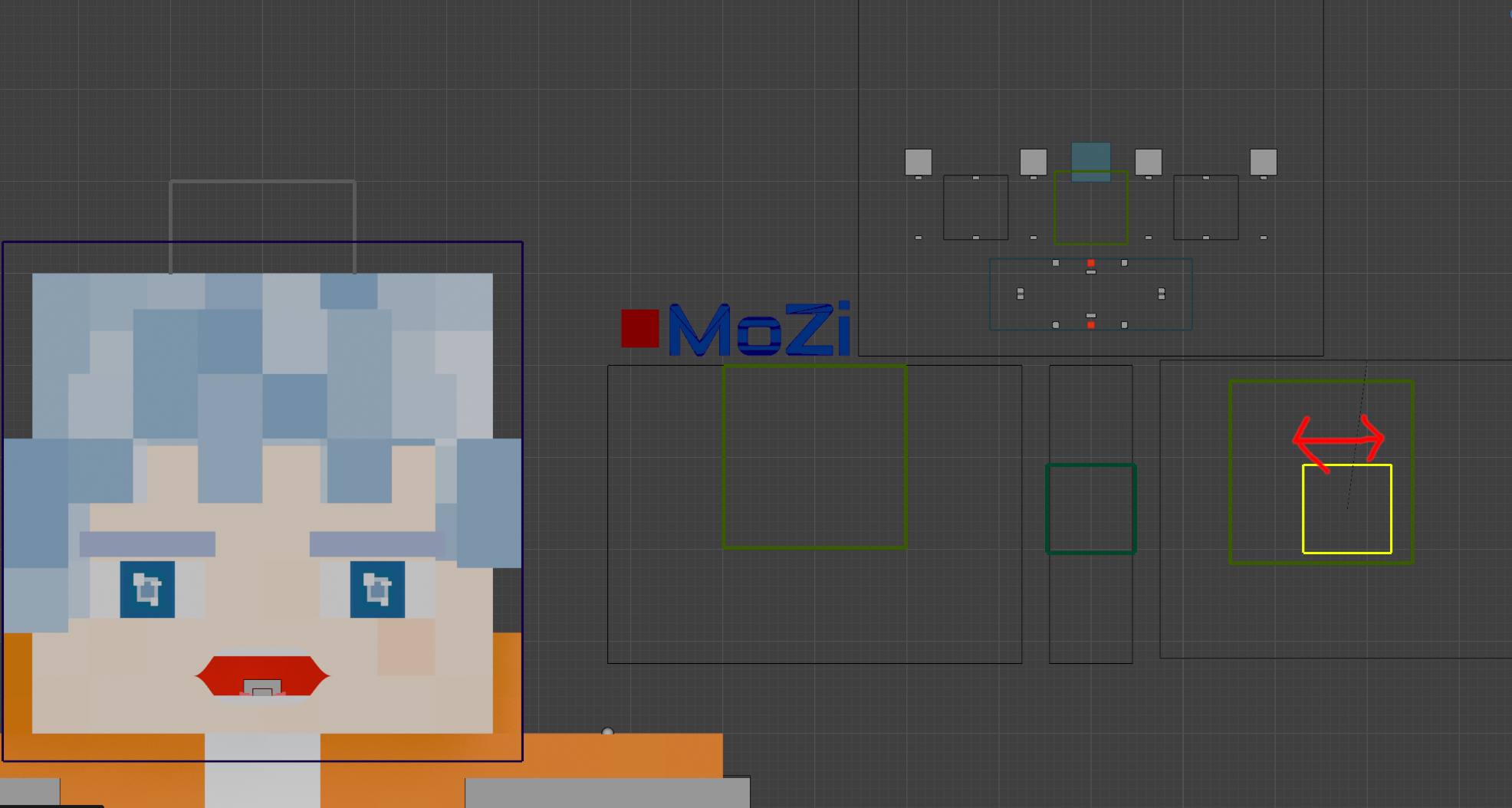
Enable round_mouth in Properties Panel for automatic circular shaping without manual adjustment: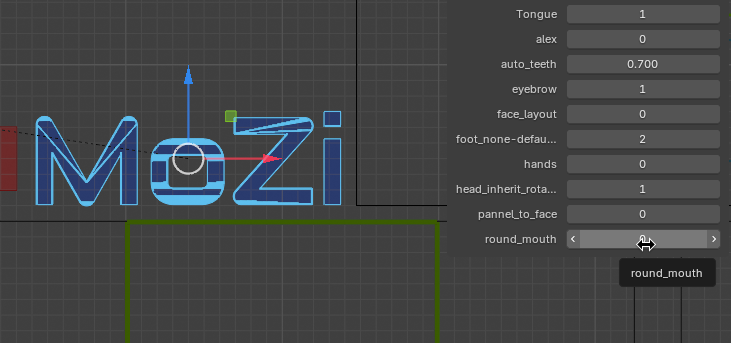
Teeth Controllers
Position teeth controllers (circled) vertically: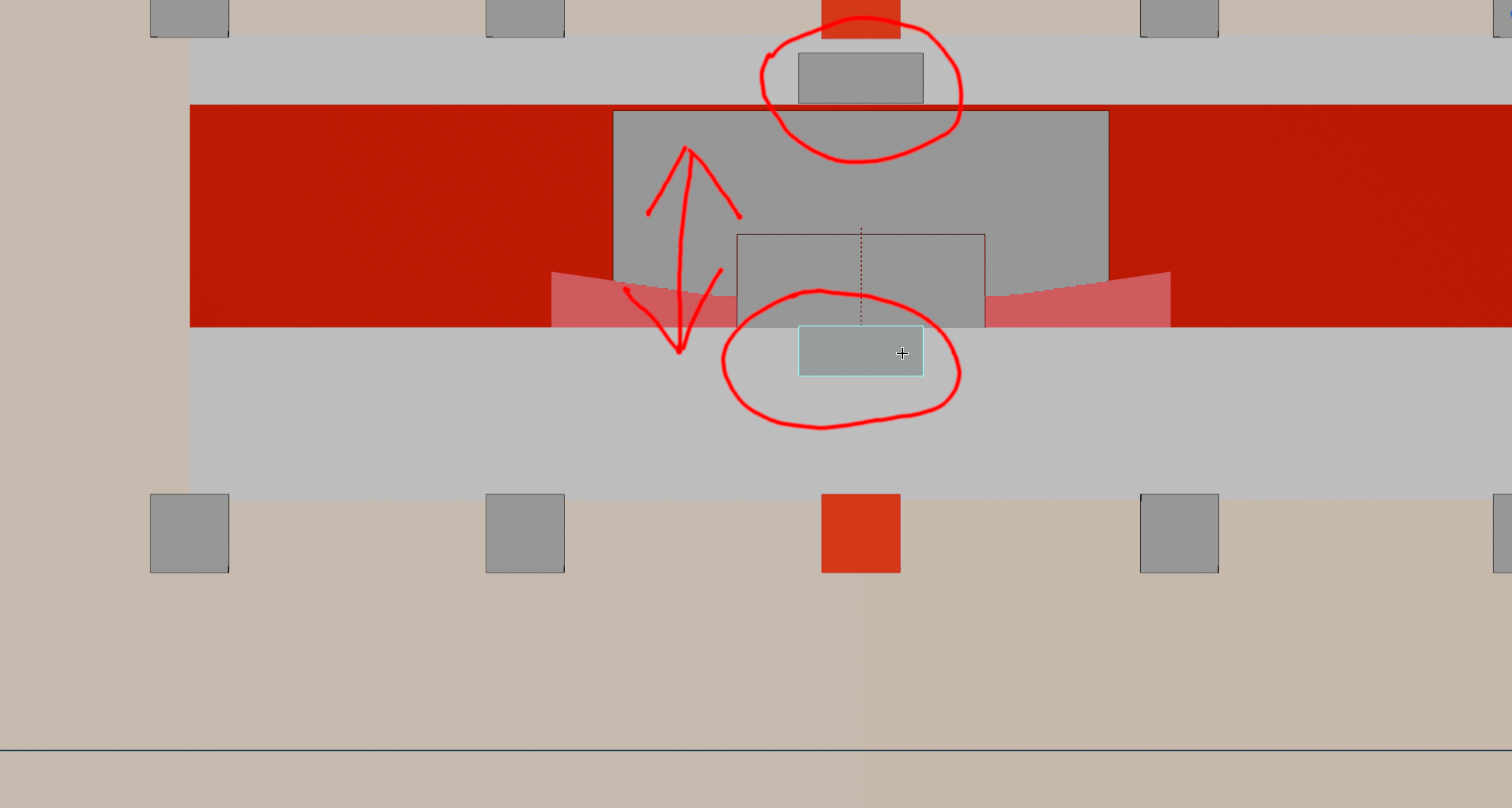
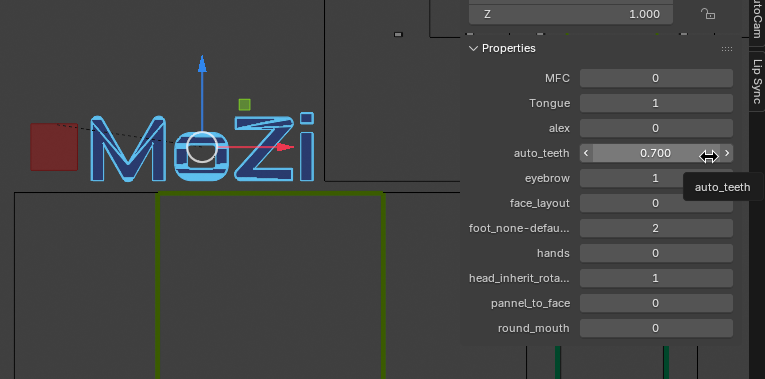
The Auto_Teeth property controls following strength with mouth center (red cube):
- Min 0: No follow
- Max 1: Full follow
Advanced Mouth Shaping
Directly manipulate mouth region squares for custom shapes: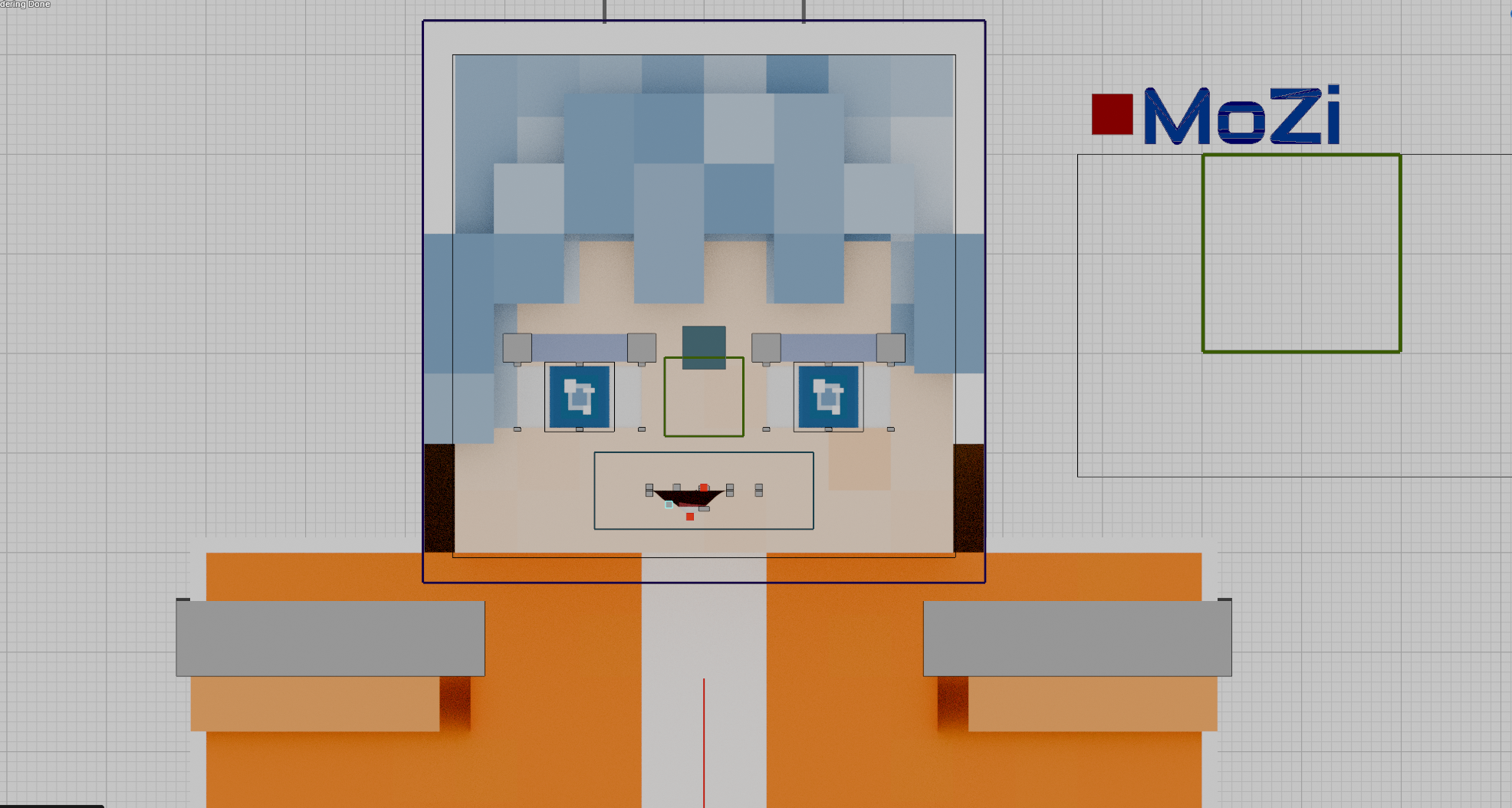
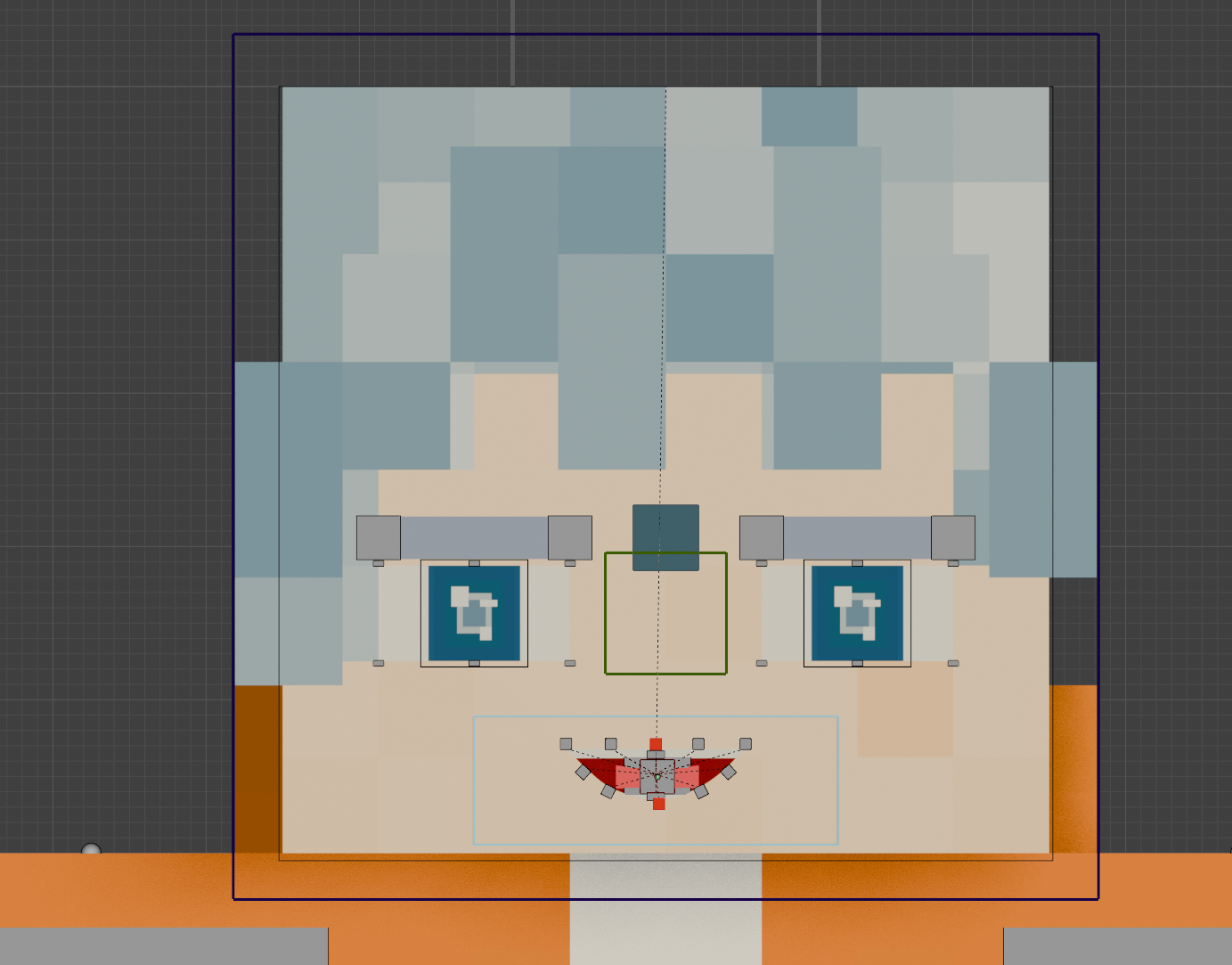
Extended Manipulation
Rotate, move, or scale the blue wireframe around the mouth for enhanced expressions: